Working tickets
What it's for
This is what a cook does through service: move each item from waiting, to cooking, to ready, and clear the ticket once the order is done. Keeping the display current is what makes the times, the queue count, and the "late" colours trustworthy.
How an item progresses
Every item moves through three states — pending → preparing → ready — and the display colours and counts follow along.
- Web
- iOS
- Android
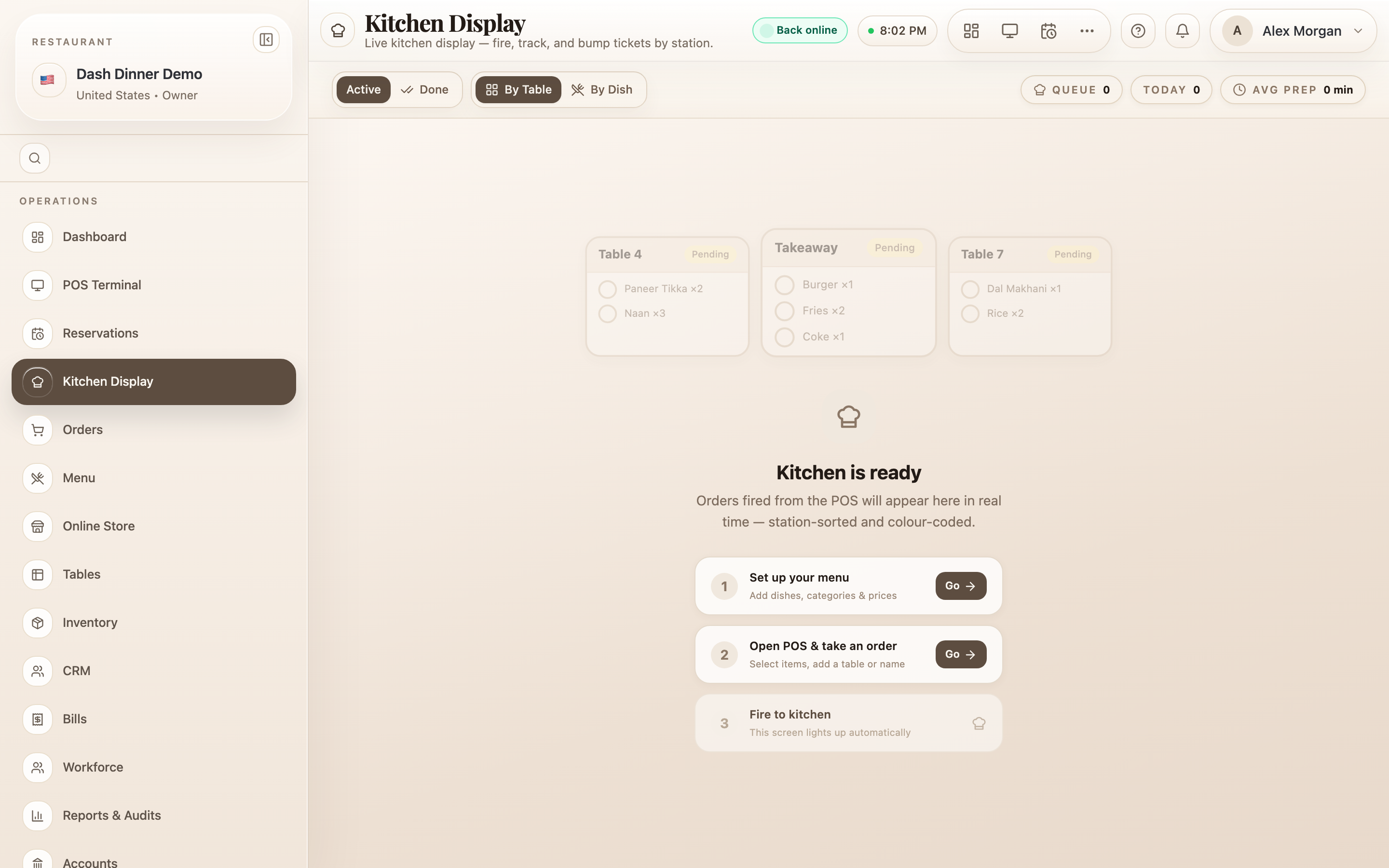
- Tap the round status button on the left of an item to advance it: empty circle (pending) → chef hat (preparing) → check (ready).
- To send an item straight to ready, tap the green Mark done check on its right.
- To move a whole ticket at once, use the footer buttons: All Prep starts every waiting item, and ✓ All Done marks the whole order ready. When everything's ready the footer reads All items ready.
- Need another paper ticket? Reprint KOT prints the slip (one per station).
- Tap an item to advance it: pending → preparing → ready.
- Use Start to begin an item and Ready to complete it.
- Start all begins every waiting item on the ticket.

- Tap an item to advance it: pending → preparing → ready.
- Start all begins every waiting item on the ticket.
- Marked something ready too soon? Android's Recall brings it back.

Cooking in batches — the By Dish view
When several tables order the same dish, switch to By Dish. Items
group under each dish with a total quantity (e.g. Margherita ×5), and the header counts show
"3 pending", "1 cooking", "1 ready". Fire the whole batch with
Start All, then Ready All when they're
plated — far fewer taps than clearing dishes one ticket at a time.
Clearing and reprinting
Once every item is ready, the order leaves the Active tab and moves to Done, where it stays for 45 minutes. A Done card shows "Ready 3m ago" and a "drops in 12m" countdown, and still offers Reprint KOT if you need the slip again.
Worked example
Two tables order during a rush. Table 12 orders a pizza and a salad; table 9 orders two of the same pizza. Switch to By Dish, tap Start All on Pizza ×3, and the oven gets everything at once. As each is boxed or plated, tap Ready All. Table 12's salad — under its own dish — is started and readied the same way. Both tickets clear to Done when complete.
Tips & things to watch
- ✅ Keep the display honest. Advancing items as you cook is what keeps the queue count, the average prep time, and the late colours meaningful for the whole team.
- ✅ Batch with By Dish during a rush, then flip back to By Table when you're plating a table together.
- ⚠️ On web, "ready" is final. Once an item is marked ready its button is disabled — there's no undo on the web display, so mark ready only when it truly is. (On Android, use Recall to reverse a mistake.)
- ⚠️ Watch for ⚡ Modified. A pulsing Modified badge means an item changed after it was fired — re-read it before cooking.